 Sovereign Brain
 Use PPQ.ai TEE for Your Sovereign Brain
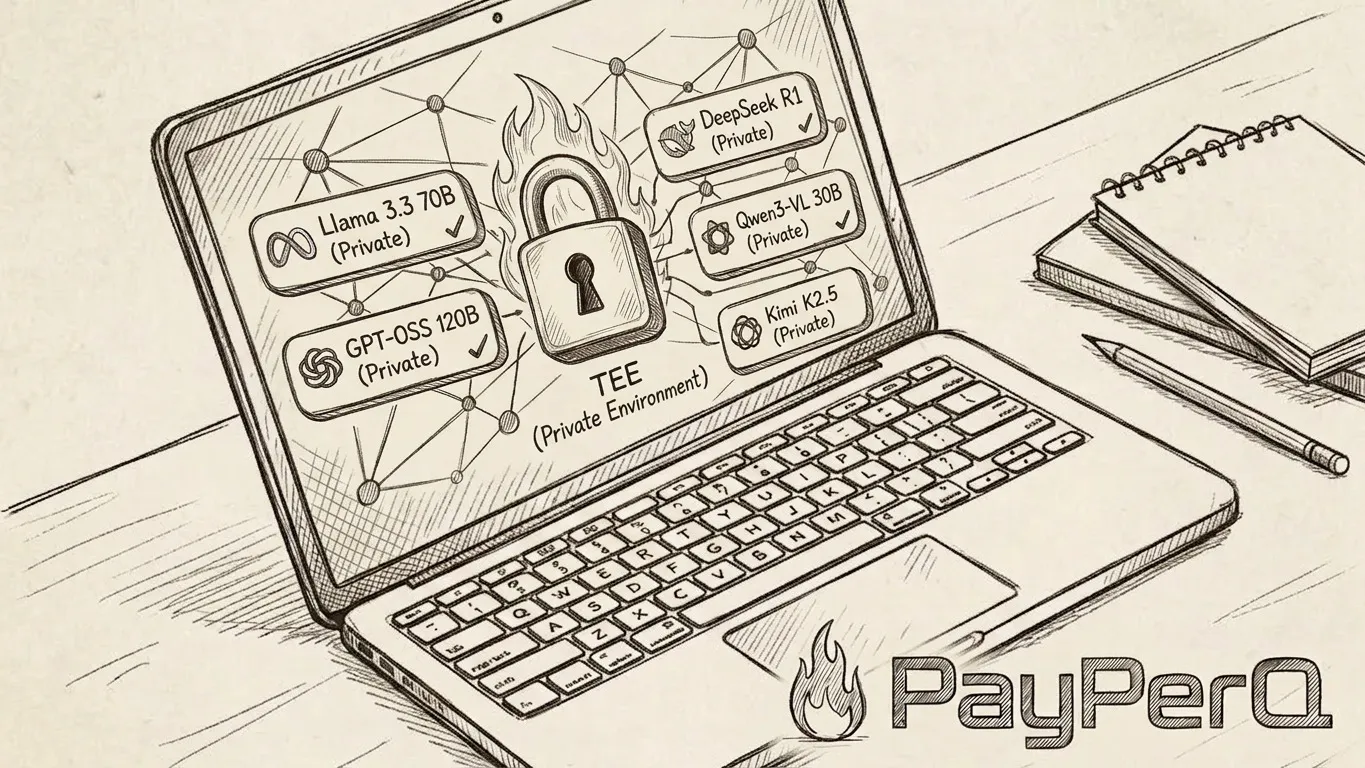
The sovereign brain is built to run a real language model on your own machine. That’s the whole point — your thoughts never leave your disk. But it comes with a hard requirement: a machine with 32GB+ RAM to run a local model.
Not everyone has that. If you’re on a lightweight laptop, an older PC, or a cheap cloud box, the local setup is out of reach. So here’s the alternative I’d reach for instead: point your sovereign brain at PPQ.ai and its Trusted Execution Environment (TEE) models.
Let’s be honest about the trade-off
Local is still the gold standard. 100% offline, nothing uploaded, nothing logged, full stop. Nothing here beats that.
PPQ is a middle ground. Your prompts do leave your machine — but they’re encrypted on your device and only decrypted inside a hardware enclave that the operator itself cannot inspect. That’s a very different thing from handing your thoughts to ChatGPT, Claude, or Gemini over a normal API. And you can pay for it without telling anyone who you are.
So: if you can run local, run local. If you can’t, this gets you most of the way there.
What a TEE actually gives you
A Trusted Execution Environment is a secure hardware enclave — in PPQ’s case, NVIDIA confidential-computing GPUs — where your data stays encrypted during processing, not just in transit.
- Your prompts are encrypted on your machine before they’re sent.
- They’re only decrypted inside the enclave, run, and re-encrypted.
- Not even PPQ can read what you asked. No plaintext logs, no human in the loop.
PPQ even ships a local encryption proxy so the encryption happens on your hardware, not theirs. It’s about as private as cloud inference gets.
Wiring it into your sovereign brain
PPQ exposes an OpenAI-compatible API. Your sovereign brain already talks to a local inference server — swapping in PPQ is just changing the endpoint and the API key, then picking one of PPQ’s Private (TEE) models.
That’s the unlock: the same Pi agent, the same Markdown files, the same workflow — but the heavy model now lives in a remote enclave instead of in your RAM. Your laptop just needs to run the agent and hold your notes.
See the PPQ API docs for the exact endpoint and model names.
Pay privately with Lightning
Cloud inference you can’t pay for anonymously isn’t really private. PPQ gets this right — you can top up with Bitcoin Lightning, no account, no card, no name.
Two things make it painless:
- NWC auto-topup. PPQ supports Nostr Wallet Connect — connect an NWC wallet once and your balance refills itself automatically when it runs low. Your agent never stalls waiting for credit.
- Run your own node. For the best privacy, pay from a self-custodial wallet you control. Alby Hub is the easiest way to run your own Lightning node and it speaks NWC out of the box — so it plugs straight into PPQ’s auto-topup.
This pairs naturally with the Alby payments skill already in the sovereign brain template — your agent gets permissioned access to your wallet and keeps itself topped up.
Local vs PPQ — when to use which
- Capable hardware (32GB+ RAM)? Stay local. Maximum privacy, zero ongoing cost.
- Light laptop, old PC, or you just want zero inference setup? Use PPQ’s TEE models. Strong privacy, anonymous Lightning payments, runs on anything.
Either way, your brain is still plain Markdown files you own, and your thinking still stays yours.
Build your own
The tools are open source and free, and now the hardware bar is optional.
Take what you need and create your sovereign brain at sovereignbrain.me.